
Cashinator
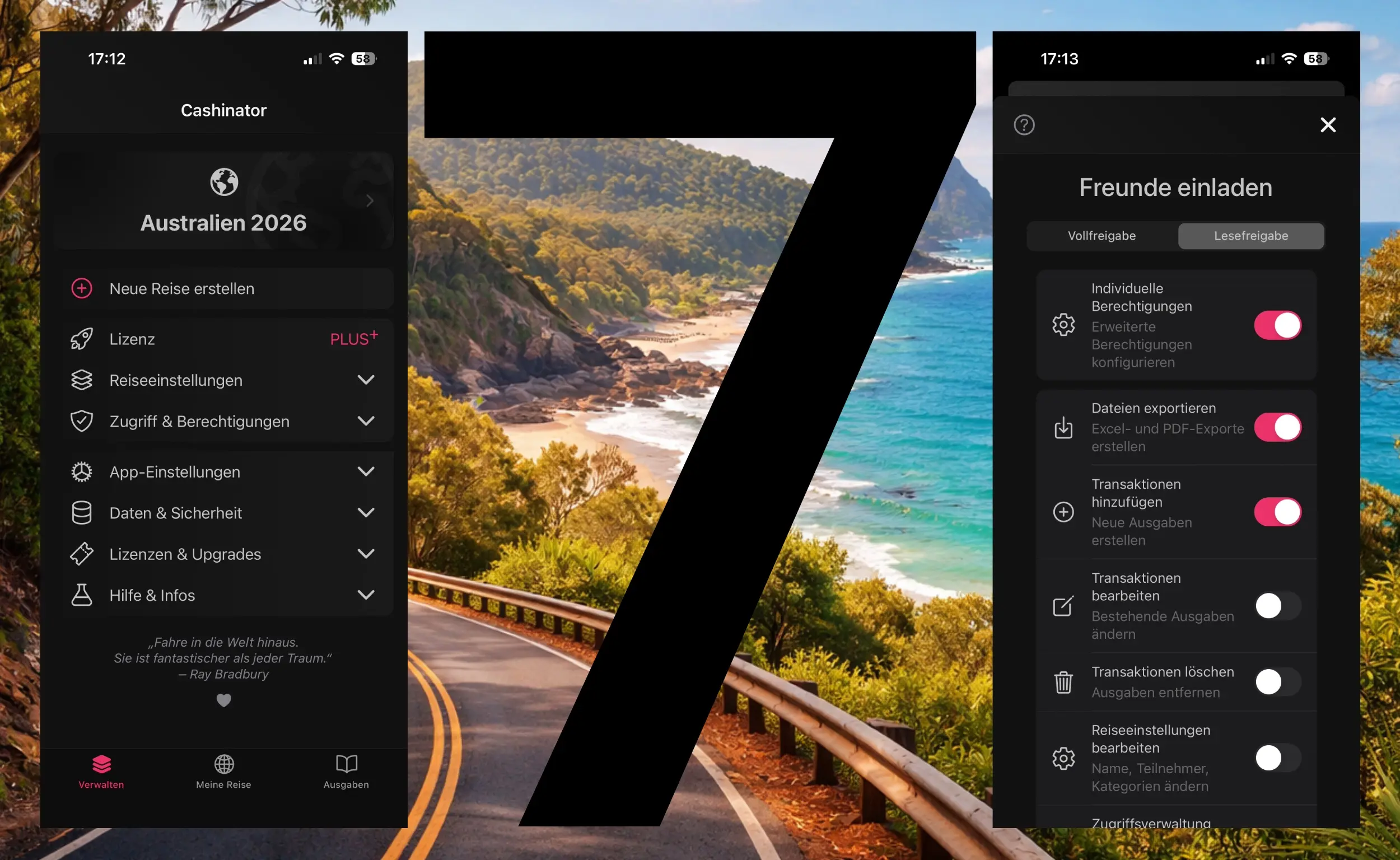


Why do so many apps require accounts, registrations, and privacy-questionable constructs? Cashinator 7 proves: There's a better way.
Even a well-thought-out, fine-grained permissions and access management system works completely without an account system. No subscription model, fairly and transparently funded. The way software should actually work.
Cashinator uses a decentralized permissions system that runs directly on your device. Instead of working with email addresses or phone numbers, each device receives a unique, anonymous token.
When you share a trip or group, you can individually define which permissions invited people should have:


Most apps with permissions management require a complete account system. That means: providing your email address, creating passwords, sharing personal data.
Cashinator skips all of that. No registration, no email verification, no password reset hassle. Download the app, create a trip, done.
Your data stays on your device and is only encrypted and synchronized with devices that you explicitly invited. No cloud, no central server analyzing your expenses.
Permissions work offline too. Once internet is available again, everything syncs automatically – without requiring any login.
You're organizing a group trip and want everyone to see the current expense status – but only you and one other person should be able to make changes.
With read-only access, everyone can check who paid what at any time, without accidentally modifying or deleting expenses.
In a shared apartment, you want everyone to add expenses, but only you should manage the roommate list and categories.
With advanced permissions, you set exactly who can do what – without complicated admin panels or account hierarchies.
The skipper wants full control over the boat fund, while the crew should only be able to add expenses. With Cashinator, that's one click when sharing.


Your first trip is completely free – with all features.
No ads. No subscription. No data sharing.
If you want to continue using Cashinator, there are fair one-time packages with no recurring costs.

Experience for yourself how simple and secure permissions management without accounts can be.
Your first trip is free – test all features, including advanced permissions.
Available for iOS and Android.
Permissions are stored encrypted on your device and only shared with devices you explicitly invited. Each device receives its own token, which cannot be identified from the outside.
Yes. As the trip creator or with "manage permissions" privilege, you can adjust other participants' rights at any time.
Your trips automatically sync with the new device. Permissions are retained as long as you use the same anonymous token – completely without registration or login. Important: You need to share the trip with yourself with administrator rights.
Yes. Permissions are stored on the device and work fully offline. Changes to permissions sync once internet is available again.
Permissions management is included in all PLUS Cashinator packages (Group Ticket). No hidden additional costs.
Experience the future of bill splitting apps – with intelligent permissions management, completely without accounts. Your first trip is free 🚀
Google Play and the Google Play logo are trademarks of Google LLC. Apple, the Apple logo, iPhone, and iPad are trademarks of Apple Inc., registered in the U.S. and other countries and regions. App Store is a service mark of Apple Inc.