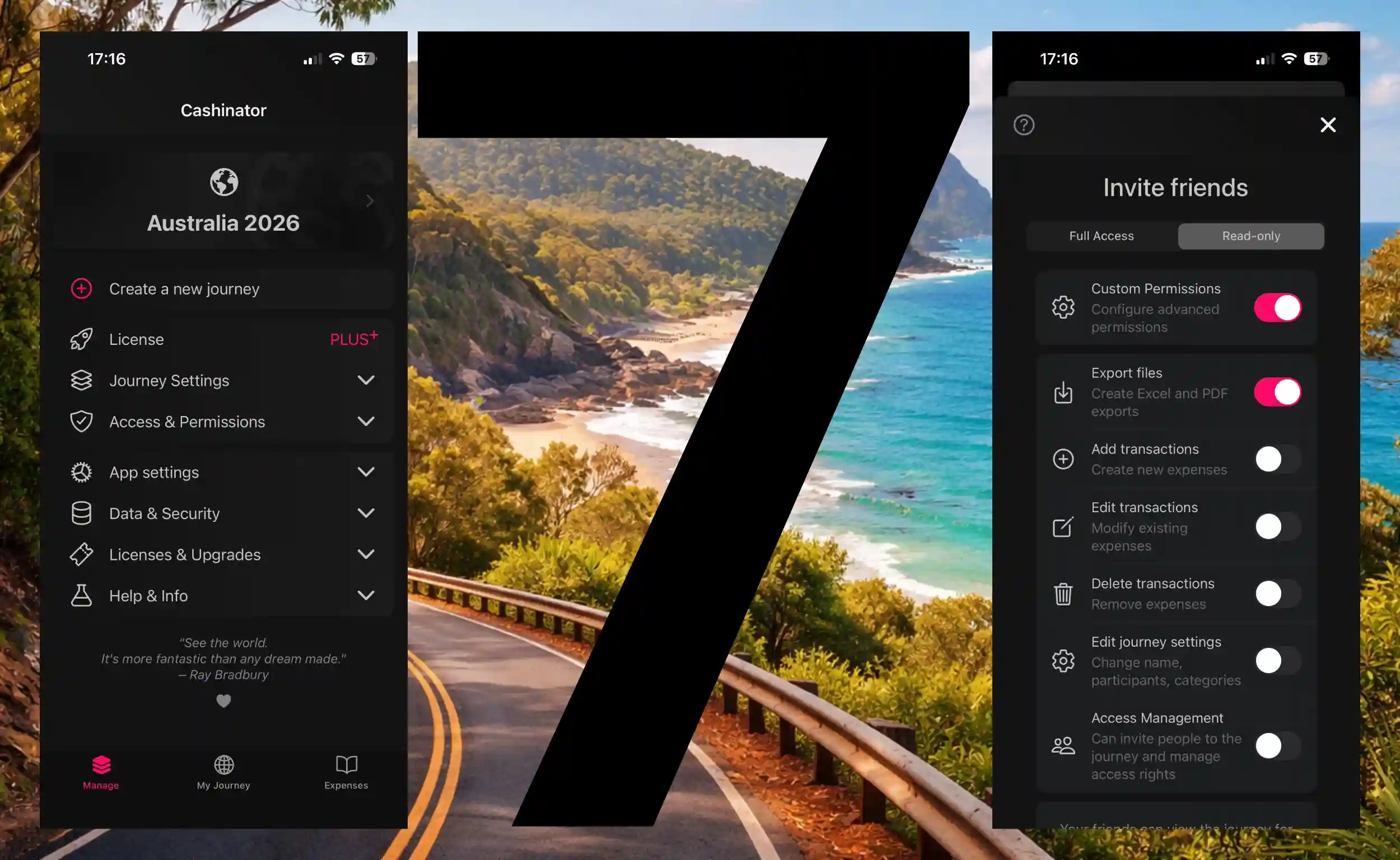
“General bug fixes” doesn’t tell the story. Here you’ll find detailed release notes for every version — performance, new features, bug fixes, and design improvements.
After a longer creative break, more frequent Cashinator updates are now planned again – so stay tuned!
The update to version 6.5.3 brings you several improvements and bug fixes:
New language options for date formats.
Participants can now be deactivated for a trip – useful if someone is only partially involved.
Translation bug fixes in the generated PDF.
Fixed an issue where filtered PDFs could show incorrect balances.
Improved UX when adding new participants.
Statistics are now updated immediately when switching journeys.
If you switched journeys or groups after adding an expense, the same expense was mistakenly added to the new group as well. Deleting this expense would remove it from both journeys or groups. This issue has been fixed with this update.
Correction of a spelling mistake in the English version.
New timeline for the entire journey
Shows all your trip expenses in a single chart.
Quick selection of date and time
Additional buttons have been integrated so you can once again swiftly move a few days or hours forward or backward, just like before.
Customizable date format
In the Language & Region dialog, you can set your preferred date format. It’s no longer tied solely to the selected language.
Backspace button in the calculator
Now functions as expected even during addition, subtraction, multiplication, or division.
More clarity on the "For whom was paid" page
Alongside the amount, the payer is now displayed in the title. If you’re unsure, you no longer need to return to the previous screen.
Optimized for small screens
Various pages have been adjusted for devices like the iPhone SE or smaller Android phones. In particular, the calculator is no longer cut off at the bottom when larger text sizes are enabled on Android or iOS.
Revamped FAQ page and search function
Find answers and helpful tips more quickly. The search feature is updated regularly, making it a win-win situation—you’ll locate information faster and reduce the load on support.
Corrections & Bug Fixes
Disappearing expenses when duplicating
This issue has been resolved so that duplicated expenses are no longer hidden until the next synchronization.
Categories reset when switching devices
This error occurred in very specific circumstances and is now fixed. After restoring a backup, assigned categories remain correctly in place.
Adding and viewing images in new expenses
Viewing newly added images sometimes caused the app to behave unexpectedly. This issue has been addressed.
Google Play Services
On Android devices, Cashinator now also runs on specialized operating systems (e.g., Graphene OS) without Google Play Services enabled.
The new year has kicked off, and Cashinator is bringing you a massive update! A big thank you for your continued support. This update focuses on performance improvements and new features to enhance your experience:
Performance
Up to 3x Faster Speed Thanks to an optimized framework and improved algorithms, the app now responds significantly faster.
Instant Numpad Input Calculator inputs now react without delay.
Smoother Statistics Navigation Swiping through the statistics section is now much more fluid.
Faster Expense Overview The graphical rendering of the expense overview has been accelerated.
Features
Undo Button in Calculator Quickly correct entries with the new undo function.
Enhanced Date & Time Selection More intuitive and familiar date and time input.
Clipboard Paste for Amounts Easily paste copied amounts into fields.
Enter Key Action The enter button now triggers relevant actions automatically.
Swipeable Pop-ups Dismiss pop-up notifications instantly with a simple swipe.
New Language & Region Settings Set some new preferences like the first day of the week.
Regional Settings Prompt Key regional settings are now requested upon first launch.
Photo Gallery Decide whether taken photos should be saved to your photo gallery or not.
New photo picker Cashinator now uses the native photo picker of your iOS- / Android system to to comply with new Google Play guidelines.
Settings Options for new expenses are clearer and more intuitive.
Bugfix PDF The balance overview is now correctly displayed in the PDF.
Bugfix Synchronization Fixed synchronization issues after deleting categories.
Bugfix Photo Capture Taking photos directly now works on all devices again.
Yay, Cookies!
This website uses cookies to provide you with the best possible experience, enhance our content and advertising,
offer social media features, and analyze website traffic to continuously improve our site.
We also share information about your use of our website with our social media, advertising, and
analytics partners who may combine it with other information you've provided or that they've collected
from your use of their services.
You have full control and can withdraw your consent or adjust settings at any time using the link in the
footer. For more information, please visit our
Privacy Policy.
Cookies store small pieces of information about your device and can track your behavior (such as clicks
and pages visited). This helps us enhance your experience on this website and other platforms, and
identify ways to continuously improve.
To ensure the website's security, certain security-related cookies are always activated. However, these
do not allow any conclusions to be drawn about your identity.
Google Analytics processes personal data in the USA. By consenting to the use of these services, you
also agree to the processing of your data in the USA according to Art. 49 (1) lit. a GDPR. The USA is
considered by the European Court of Justice as a country with an inadequate level of data protection by
EU standards. In particular, there is a risk that your data could be processed by US authorities for
monitoring purposes, possibly without any legal remedy.
Are you younger than 16? If so, you can't consent to optional services yourself—but you can ask your
parents or
guardians to consent together with you.
Let's be completely transparent: We use cookies to determine which advertisements work effectively and
how they convert. After all, we don't want to spend money unnecessarily on advertising that doesn't
work. Additionally, website usage statistics help us identify how we can further improve the site. It
would be unfortunate if an important button wasn't working and we didn't even notice.
Cookies aren't just good for us—they're also great for you. Yummy!