Version 6.5.5 #
Cashinator 6.5.5 is turning up the heat this summer! More of your feature requests are coming to life in this latest release. Thank you for all your feedback!
Features
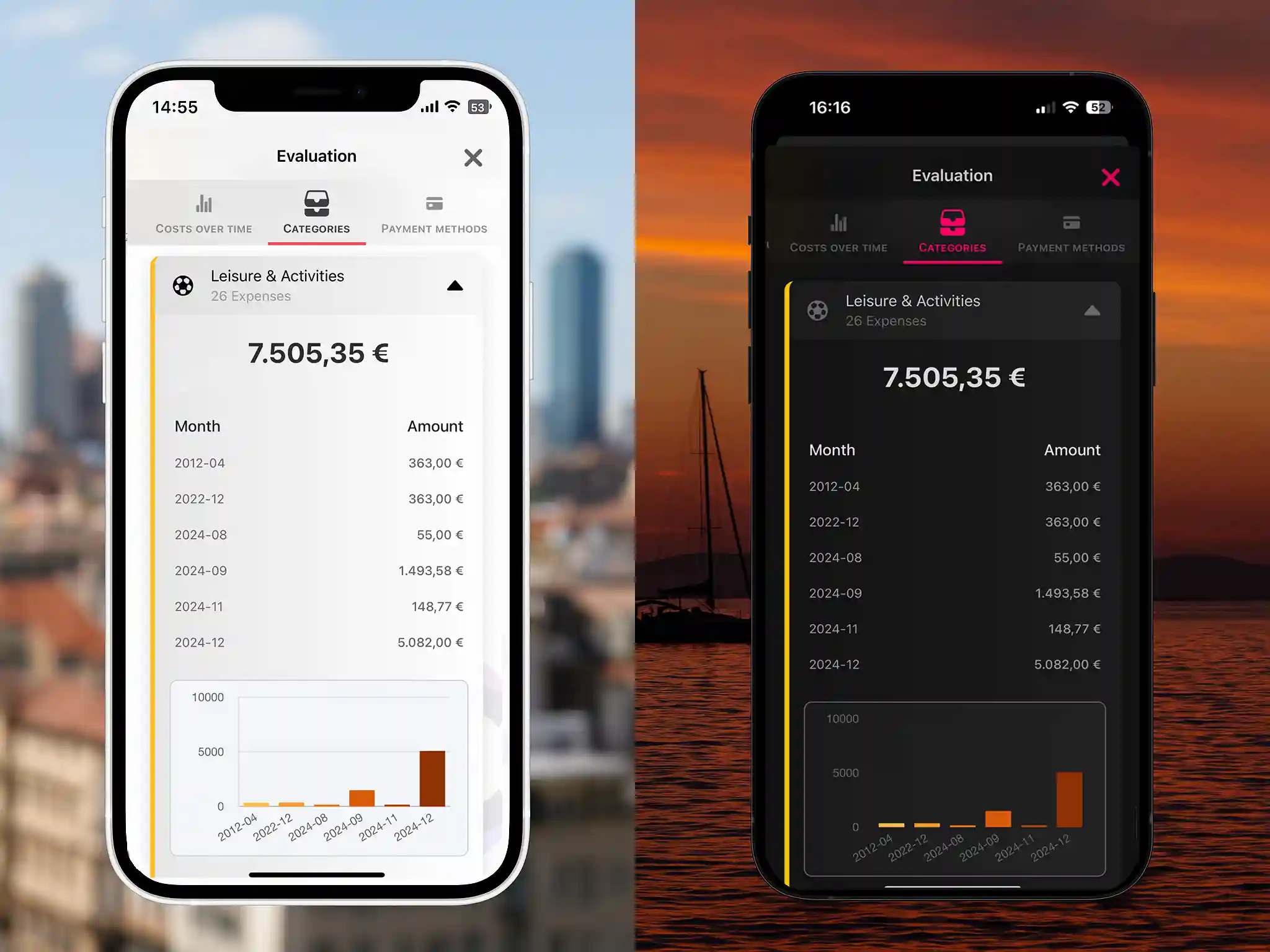
- Brand-new monthly overviews at the push of a button
See your expenses by category, city, country, and payment method – displayed as both a table and a chart. Perfect for matching credit card statements or getting quick insights. - Flexible input flow
The “Who paid?” and “For whom?” screens can now be toggled individually. Want it quick and simple? Disable all screens – we’ll carry over the distribution from your last expense automatically. - Group wallet management
Group wallets can now be deactivated – ideal for trips where you don’t always want to use the shared pot. - Smart Data Transfer
When manually selecting a location, the country and place title are intelligently preselected based on previous expenses. - Safety prompt for past trips
If you add an expense to an ended trip, you’ll now be asked to confirm – helping avoid accidental entries in old groups.
Bug Fixes
- Improved FAQ search
The search now properly handles umlauts and special characters.
How awesome is that? Have fun exploring the update – and don’t forget to spread the word about Cashinator!